
CRM for Consultants
CRM for consultants inside Gmail
Stay on top of follow-ups, engagement status, and client context without switching tabs. Built for solo consultants who live in Gmail.
Free trial · No credit card · Uninstall anytime
The problem
Common consulting workflow problems
- Follow-ups get buried in threads
- Engagement status lives in docs or memory
- Deliverables and next steps aren't captured consistently
- A "team CRM" is too heavy for a solo workflow
The consultant-friendly loop
Thread to client context to engagement stage to next step. The goal isn't perfect data. It's consistent follow-through.
Pipeline stages
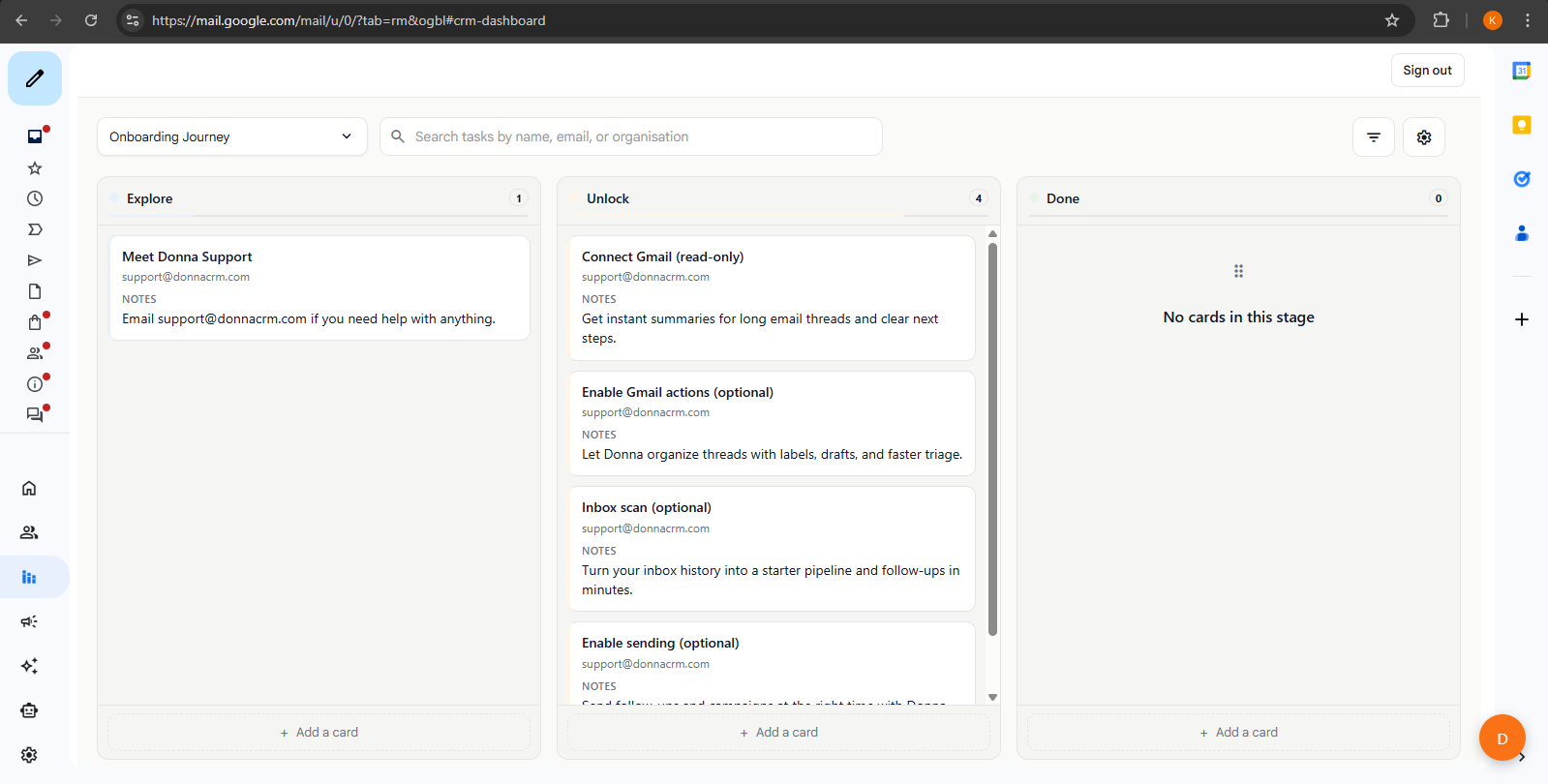
Use pipelines as engagement stages
A simple consulting pipeline keeps you honest about where each client stands: Discovery - Proposal - Active - Renewal.
Discovery
Early conversations and fit assessment.
Proposal
Scope, pricing, and decision timelines.
Active
Deliverables, check-ins, and next milestones.
Renewal
Retainer renewal or follow-on work.
Follow-ups
Tasks and follow-ups tied to clients
Consulting work is follow-up work: scheduling, confirming, nudging, and closing the loop. Capture tasks right where the conversation happens.
Want help drafting the follow-up? See AI Gmail CRM.
Related pages
If you're evaluating Donna, these pages fill in the details.
FAQ
FAQs
How is this different from a traditional consultant CRM?
What pipeline stages work well for consulting?
Can I use Donna for multiple engagement types?
Is Donna a project management tool?
Keep exploring
Learn more about how Donna works, or dive into a specific workflow.
Ready to try it?