
AI Gmail CRM
An AI assistant that turns conversations into next steps
Donna CRM pairs a Gmail-native CRM with an assistant that helps you move faster-while keeping you in control.
In plain English
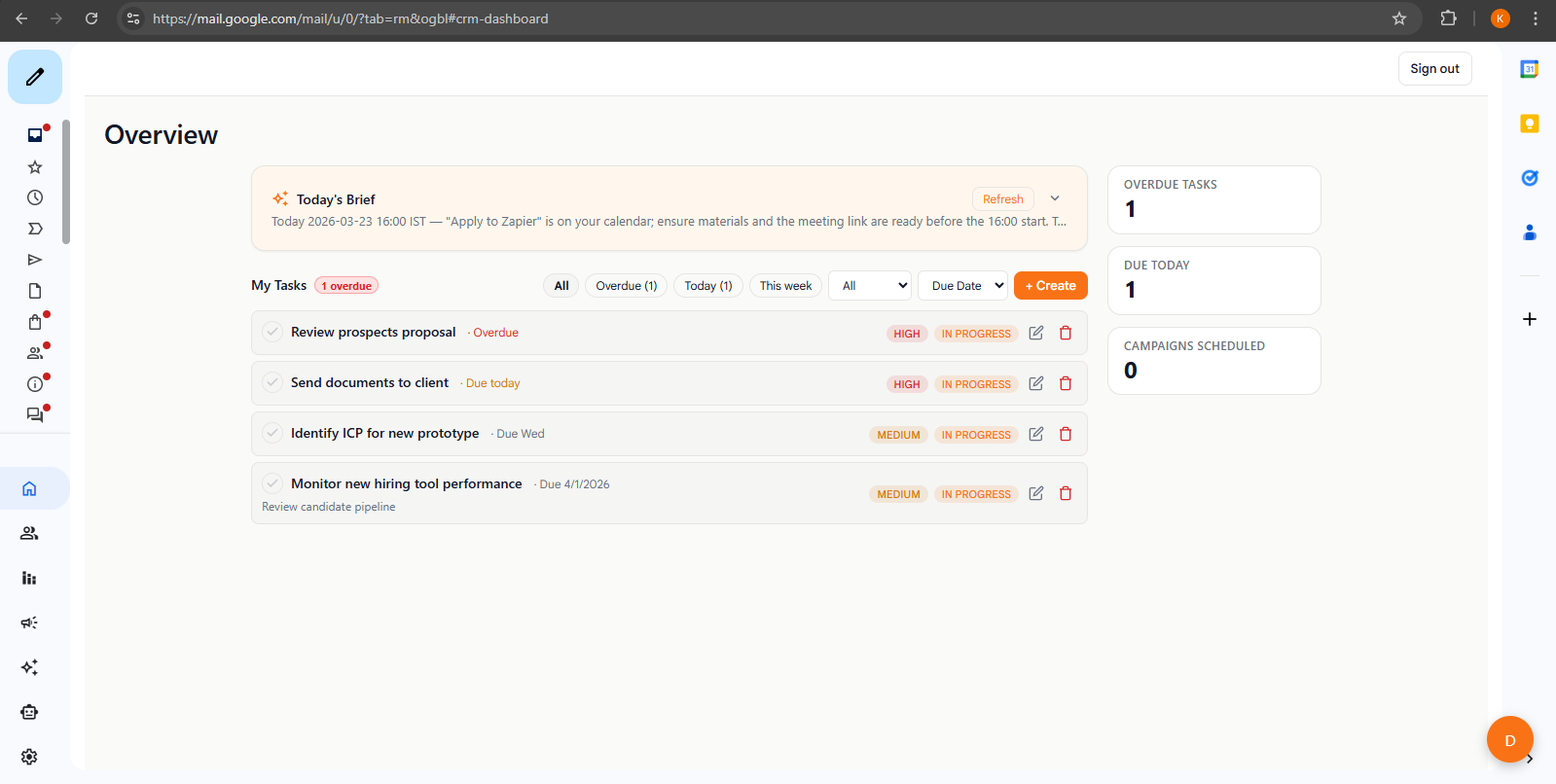
Donna is a Gmail-native CRM for individuals, with an assistant that helps you summarize, draft, and capture next steps-without taking action behind your back.
Human-in-the-loop
What "human-in-the-loop" means here
"Agentic" only matters if it's safe. The goal is simple: the assistant helps you prepare actions quickly, and you confirm the final outcome.
Grounded in context
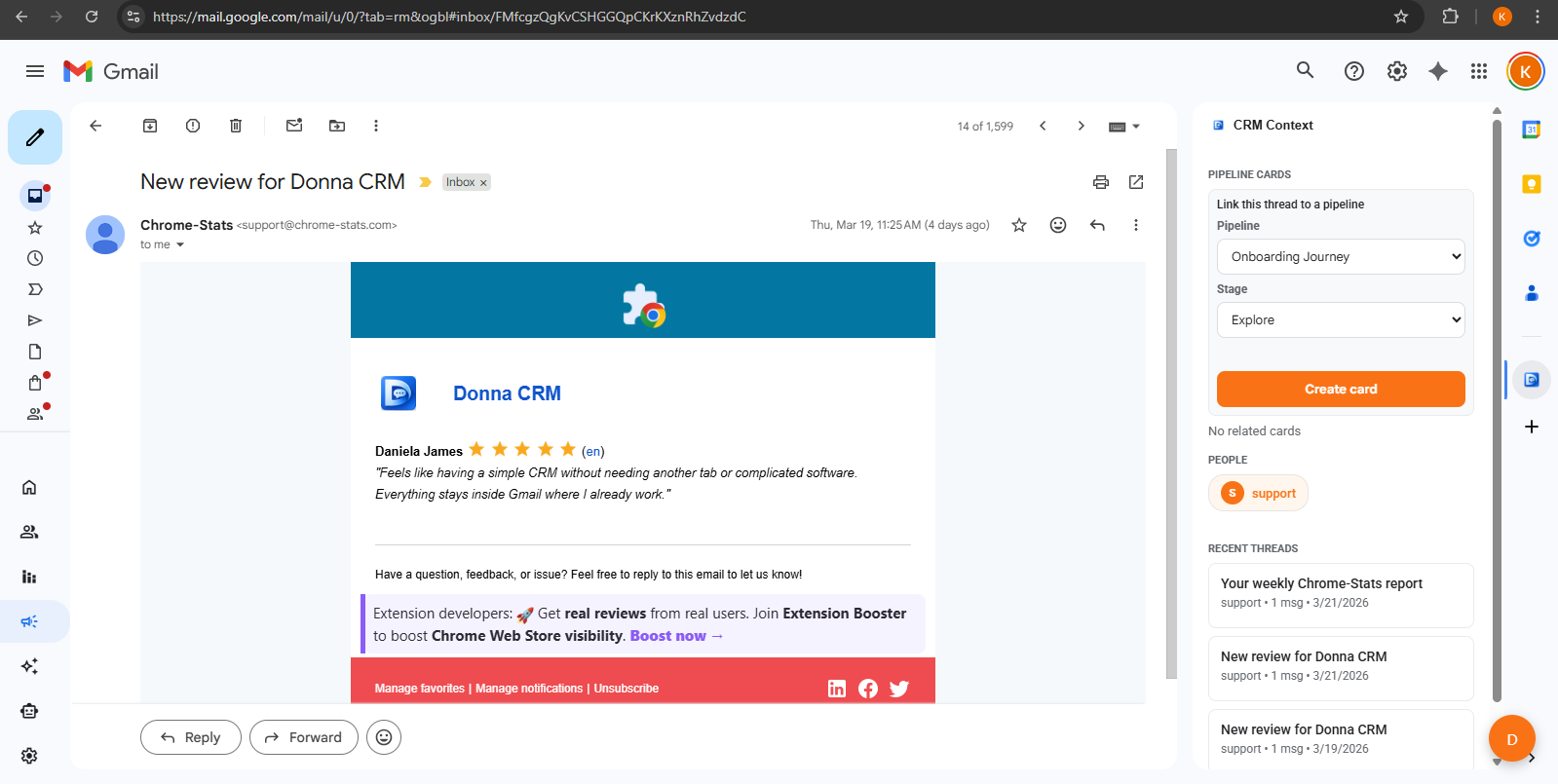
Work where you already are: a real thread, a real contact, and a real next step.
Suggests, doesn't assume
Get drafts and recommendations you can accept, edit, or ignore.
You stay in control
You review what gets sent or saved-especially anything client-facing.
Use cases
Practical examples inside Gmail
Use the assistant where it saves time: summarizing, drafting, and converting conversations into clear next steps.
- Summarize a long thread before you reply
- Draft a follow-up and rewrite it in your voice
- Create tasks for next steps and follow-ups
- Capture deal notes and update status after a meeting
Inbox onboarding
If you want a faster starting point, ask the assistant to recommend a lightweight setup from your real inbox. It can propose pipelines, contacts, and next step tasks - you review before anything is created.
Accuracy + privacy note
AI suggestions can be incorrect. Avoid sharing sensitive information you wouldn't put in an email, and always review drafts before you send or save changes.
For details about data handling and permissions, see our Privacy Policy.
More on AI workflows
If you are evaluating human-in-the-loop AI, these guides explain what to expect and how to keep control while moving faster.
AI workflows
What is an agentic CRM? (human-in-the-loop explained)
A plain-English explanation of agentic CRMs: what "agentic" means, why human-in-the-loop matters, and how assistants can help safely.
8 min read
Read guide
Gmail CRM workflows
How to keep your CRM updated without manual data entry
A practical system for keeping CRM data fresh: capture updates in context, keep stages lightweight, and reduce repetitive admin work.
9 min read
Read guide
Gmail CRM workflows
Inbox to pipeline: turn conversations into next steps
Turn email threads into a lightweight pipeline: keep context in Gmail, capture next steps as tasks, and review work without spreadsheets.
8 min read
Read guide
FAQ
FAQs
What does "human-in-the-loop" mean?
Does the AI send emails automatically?
What can the AI help with inside Gmail?
Is AI output always correct?
Where can I learn more about privacy?
Keep exploring
Learn more about how Donna works, or dive into a specific workflow.
Ready to try it?