
Gmail CRM
Manage contacts, deals, and follow-ups without leaving Gmail
Donna CRM is a Gmail-native CRM for solo operators. Keep relationship context next to the conversation-and capture next steps before they slip.
Free trial · No credit card · Uninstall anytime
Overview
What is a Gmail CRM?
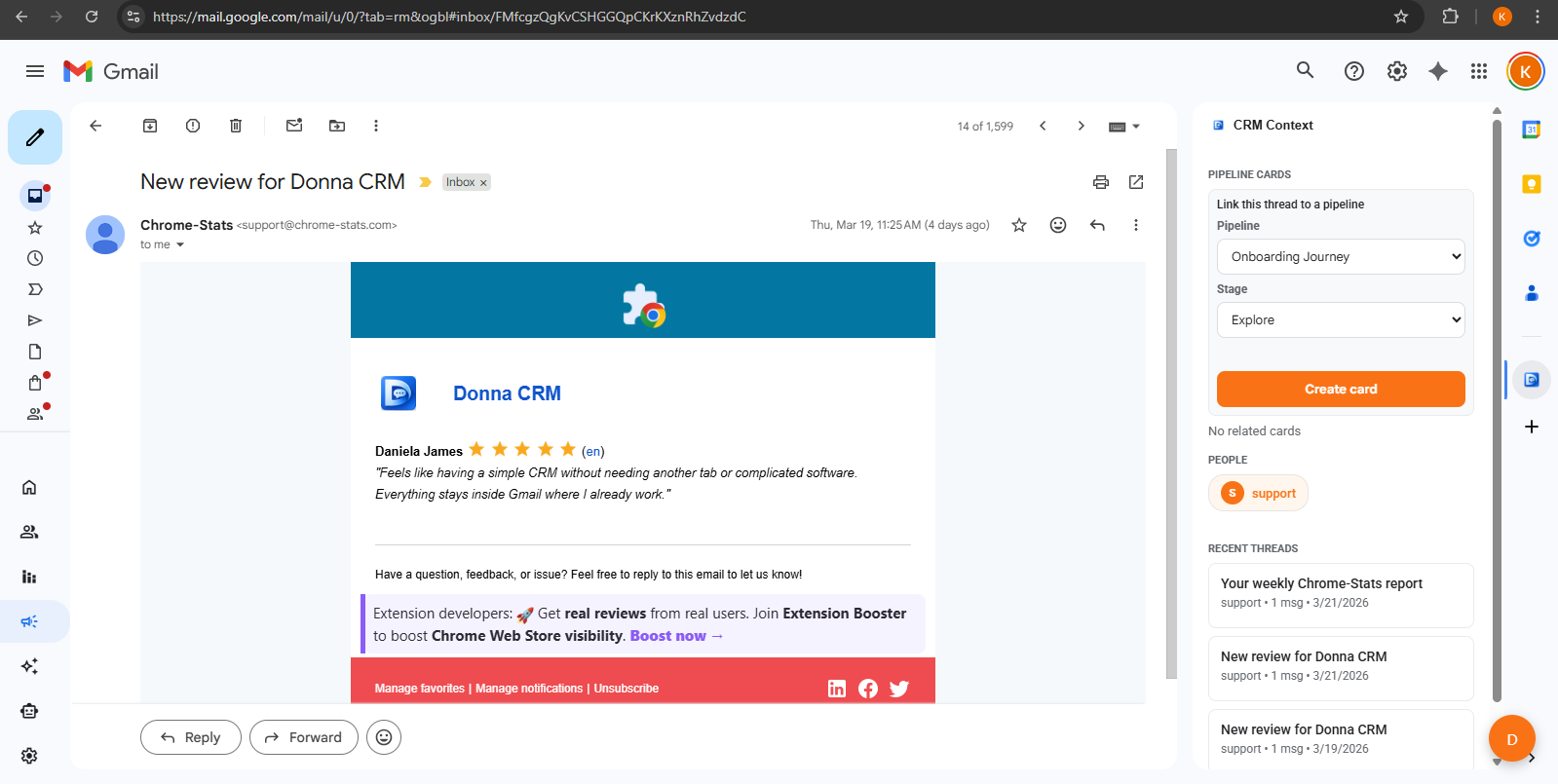
A Gmail CRM helps you run a simple client or deal workflow from your inbox. Instead of switching tools, you keep contact context, deal stage, and tasks alongside real email threads.
Donna CRM is built for individuals who want a lightweight system: enough structure to stay consistent, without the overhead of a traditional CRM.
Best for
Consultants, freelancers, and solo B2B sellers who live in Gmail.
How it works
A workflow that stays in your inbox
Keep your process simple and repeatable. A good Gmail CRM is less about fields, and more about capturing the next step consistently.
Thread to contact
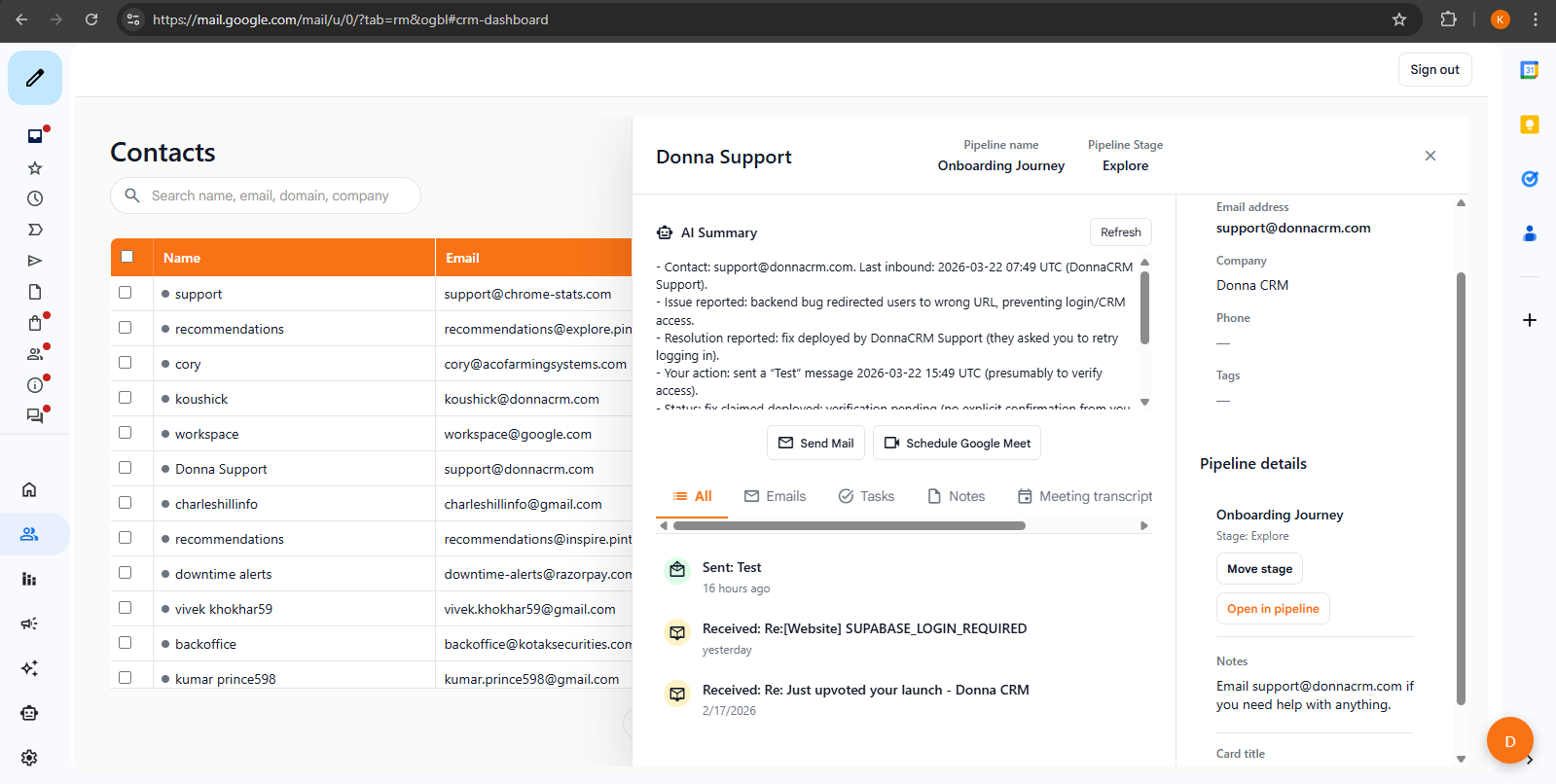
Turn real conversations into a contact record with notes and context.
Contact to deal stage
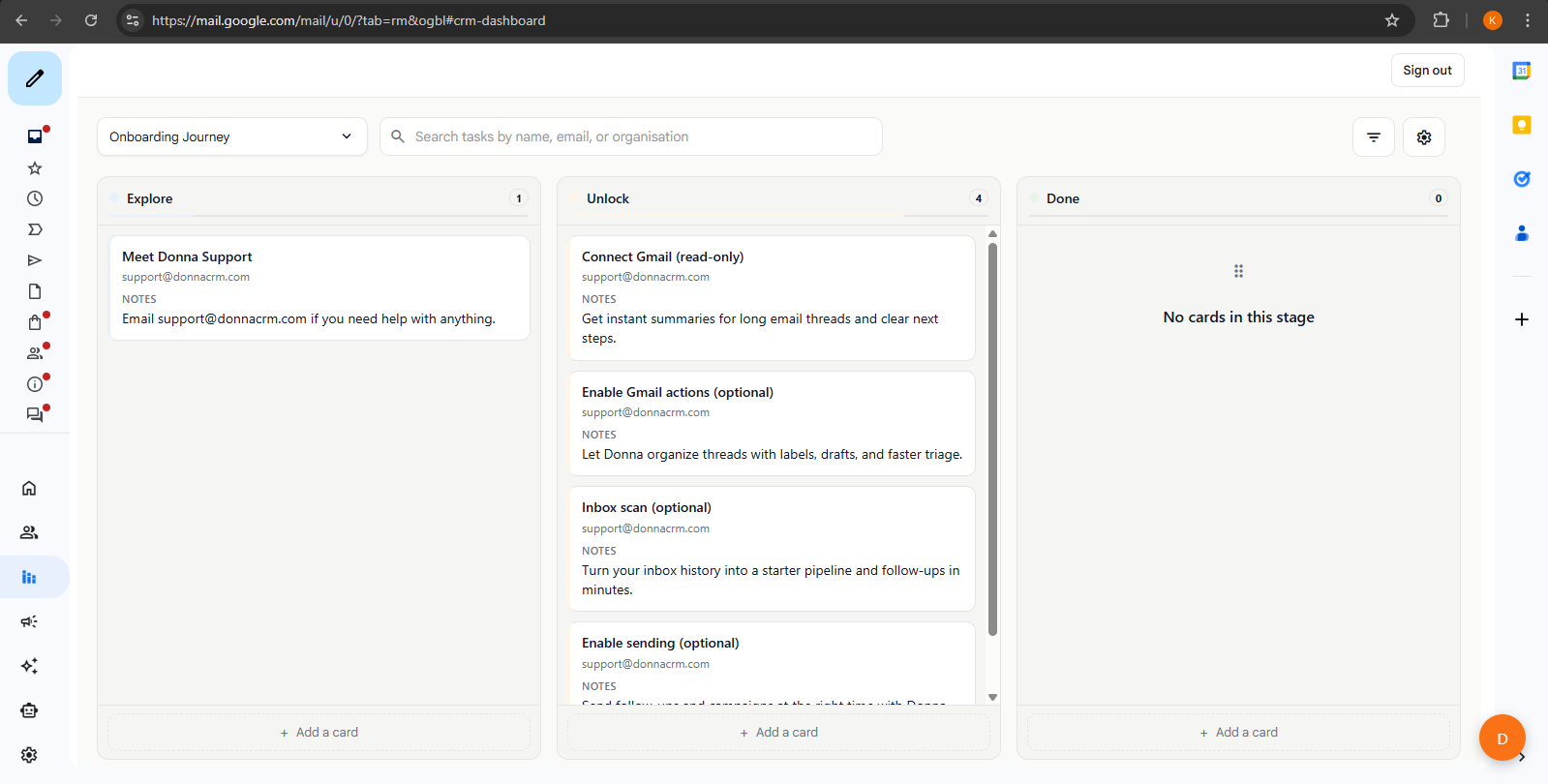
Track what's happening right now: lead, proposal, active, renewal.
Deal stage to next step
Capture follow-ups as tasks so nothing gets forgotten.
Capabilities
What you can track in Donna
Start with one real thread. As you go, add just enough structure to keep your follow-ups consistent and your context easy to find.
Contacts
Keep relationship context next to the conversation.
Pipelines
Use stages as a simple "where are we?" truth.
Tasks
Capture next steps before you close the tab.
Tracking
Use opens/clicks as signals - not guarantees.
Popular Gmail CRM guides
Practical templates and checklists to help you build a lightweight system that stays updated while you work in Gmail.
Getting started
Personal CRM inside Gmail: set it up in 15 minutes
A fast setup guide for a personal Gmail CRM: install, create a simple pipeline, capture next steps from real threads, and build a weekly review habit.
6 min read
Read guide
Follow-up systems
A simple follow-up system in Gmail (templates + reminders)
A repeatable follow-up system you can run directly from Gmail: clear next steps, a light cadence, and email templates that do not feel spammy.
9 min read
Read guide
Buying guides
Gmail CRM extension checklist: what to evaluate
A checklist for evaluating Gmail CRM extensions: workflow fit, pipelines, tasks, AI safety, permissions, privacy, and solo-operator details.
10 min read
Read guide
FAQ
FAQs
Quick answers for common "is this for me?" questions.
What is a Gmail CRM?
Is Donna CRM a full CRM replacement?
Do I need to set up pipelines and fields?
Does Donna work for teams?
How do I get started?
For data and privacy details, see our Privacy Policy.
Keep exploring
Learn more about how Donna works, or dive into a specific workflow.
Ready to try it?