
Solo B2B Sales CRM
A solo B2B sales CRM inside Gmail
Track deals and next steps from the same place you're selling: your inbox. Keep deal context next to real threads so follow-ups don't slip.
Free trial · No credit card · Uninstall anytime
The problem
Why solo sellers lose deals
- No clear next step after a call
- Follow-ups spread across threads, notes, and calendar reminders
- Deal status isn't updated while it's fresh
- Important context gets lost when a thread goes quiet
Thread to deal to next step
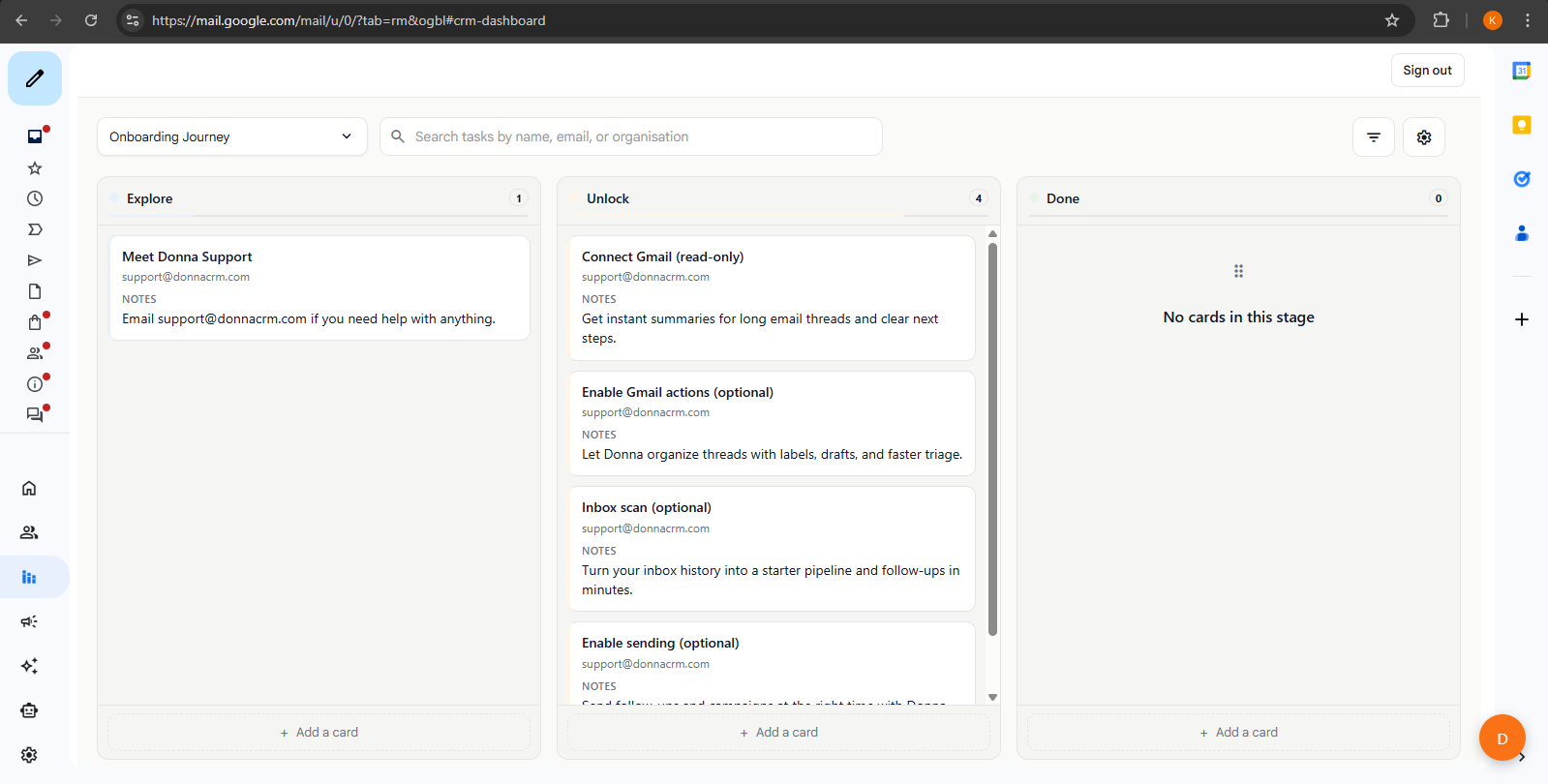
The fastest way to keep your CRM accurate is to update it while you're already in the conversation. Capture the deal stage, add a note, and create the next task in the same flow.
Pipeline stages
Deal stages you can copy
Keep the pipeline simple. If you can't remember the stage definitions, there are too many stages.
Lead
A real person you are actively talking to. Capture who they are and why they might buy.
Meeting
Discovery call scheduled or completed. Log what matters and set the next follow-up task.
Proposal
Proposal or quote sent. Track the decision date and create a reminder to follow up.
Negotiation
Pricing, scope, or terms are in motion. Keep the latest state in one place so you do not reopen old threads.
Closed
Won or lost. Capture the outcome and the next step (onboarding, invoice, or a future check-in).
Tip: If you sell a longer cycle, add one stage (for example, Legal or Procurement). If you sell a shorter cycle, remove one stage and keep it even simpler.
FAQ
FAQs
What is a "solo sales CRM"?
How does this help me avoid stale CRM data?
Can I track deal stages from email threads?
Does Donna automate follow-ups?
Related pages
Deeper dives for solo sellers evaluating a Gmail-native workflow.
Keep exploring
Learn more about how Donna works, or dive into a specific workflow.
Ready to try it?