
How it works
Up and running in 30 seconds
Install a Chrome extension, open Gmail, and your CRM is right there in the sidebar. No onboarding calls, no data migration, no learning curve.
Free trial · No credit card · Uninstall anytime
Install Donna
One click from the Chrome Web Store.
Open Gmail
Donna is already waiting in the sidebar.
Grant permissions
Two quick prompts. Nothing complicated.
Start using Donna
Deals, notes, and follow-ups - right where you reply.
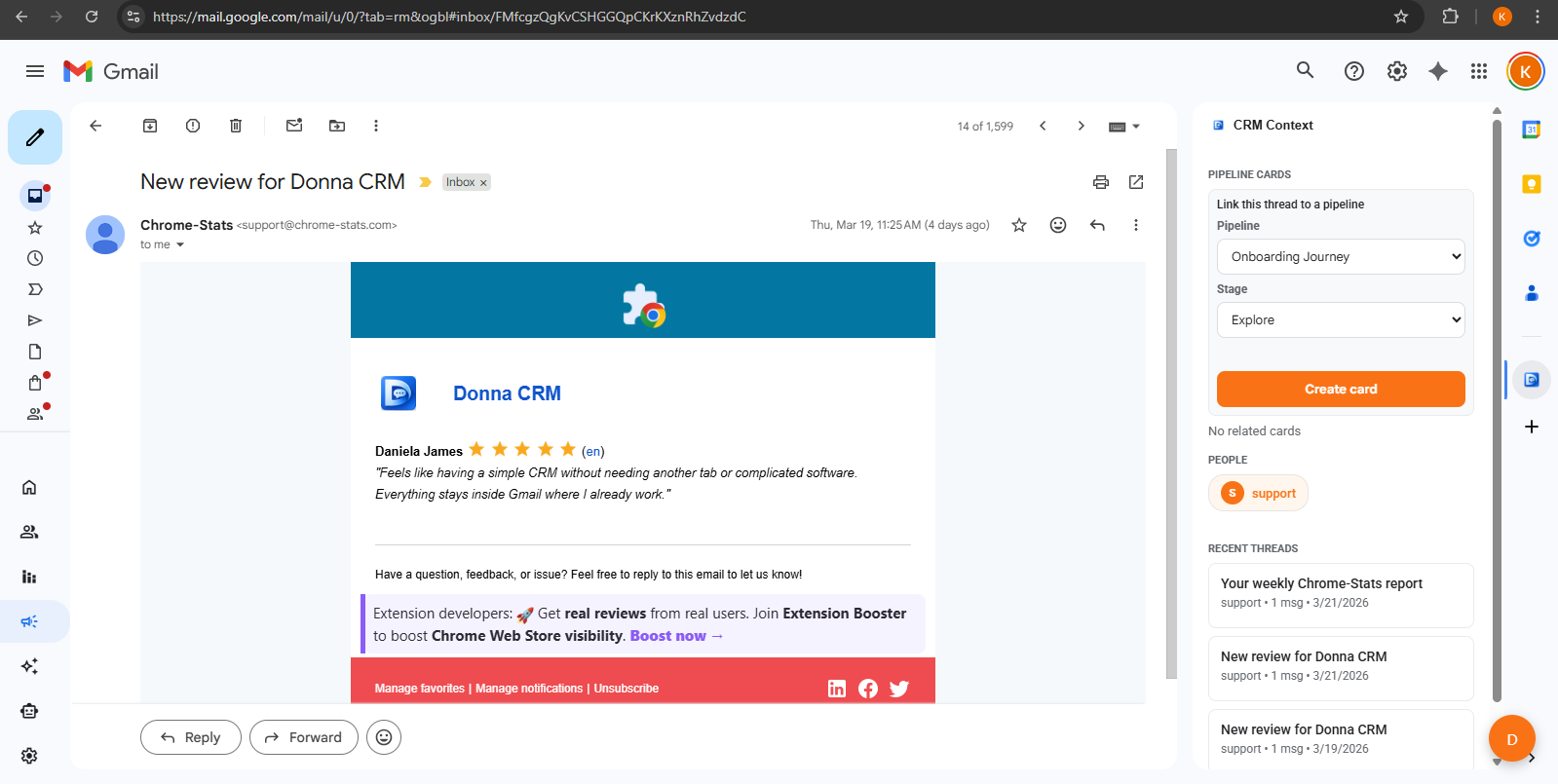
Inside your inbox
Everything you need, right where you work
Stop jumping between Gmail, a CRM, and a notes app. Donna keeps everything attached to the conversation it belongs to.
- See who you're talking to - notes, tags, and history appear next to every thread
- Turn any email into a deal and track it through your pipeline
- Capture follow-ups with due dates so nothing falls through the cracks
- Send targeted outreach and see who opens, clicks, and replies
- Get AI-powered summaries and draft replies you can edit before sending
Your daily workflow
The routine that actually sticks
Donna works because it fits the way you already work. Open your inbox, handle your conversations, and the CRM updates along the way.
Open a thread
Click into any conversation and Donna pulls up everything you know about that contact.
Save context
Jot down what matters while it's fresh. Notes and tags are right there next time.
Capture the next step
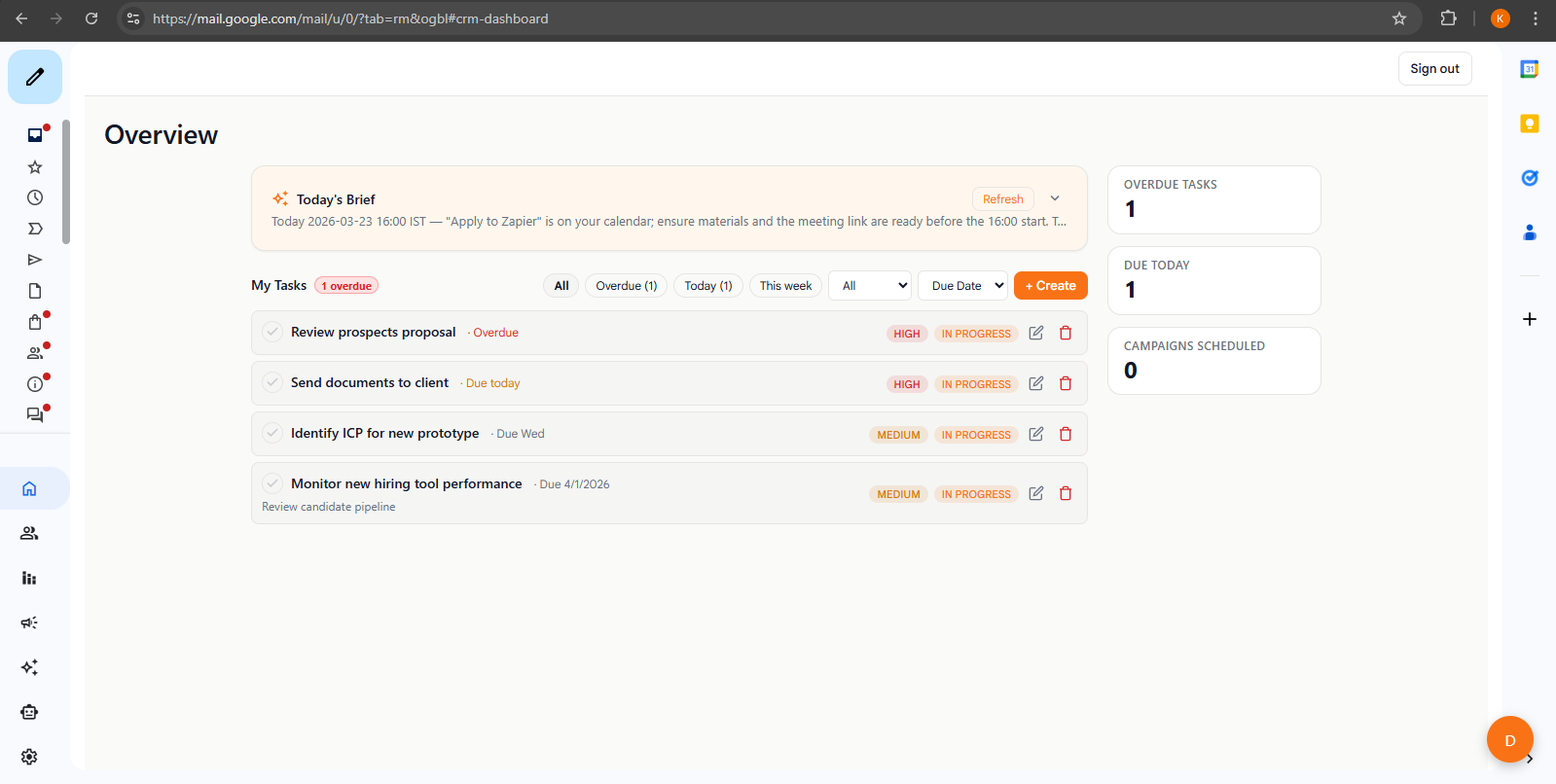
Set a task or follow-up before you move on. Nothing slips through.
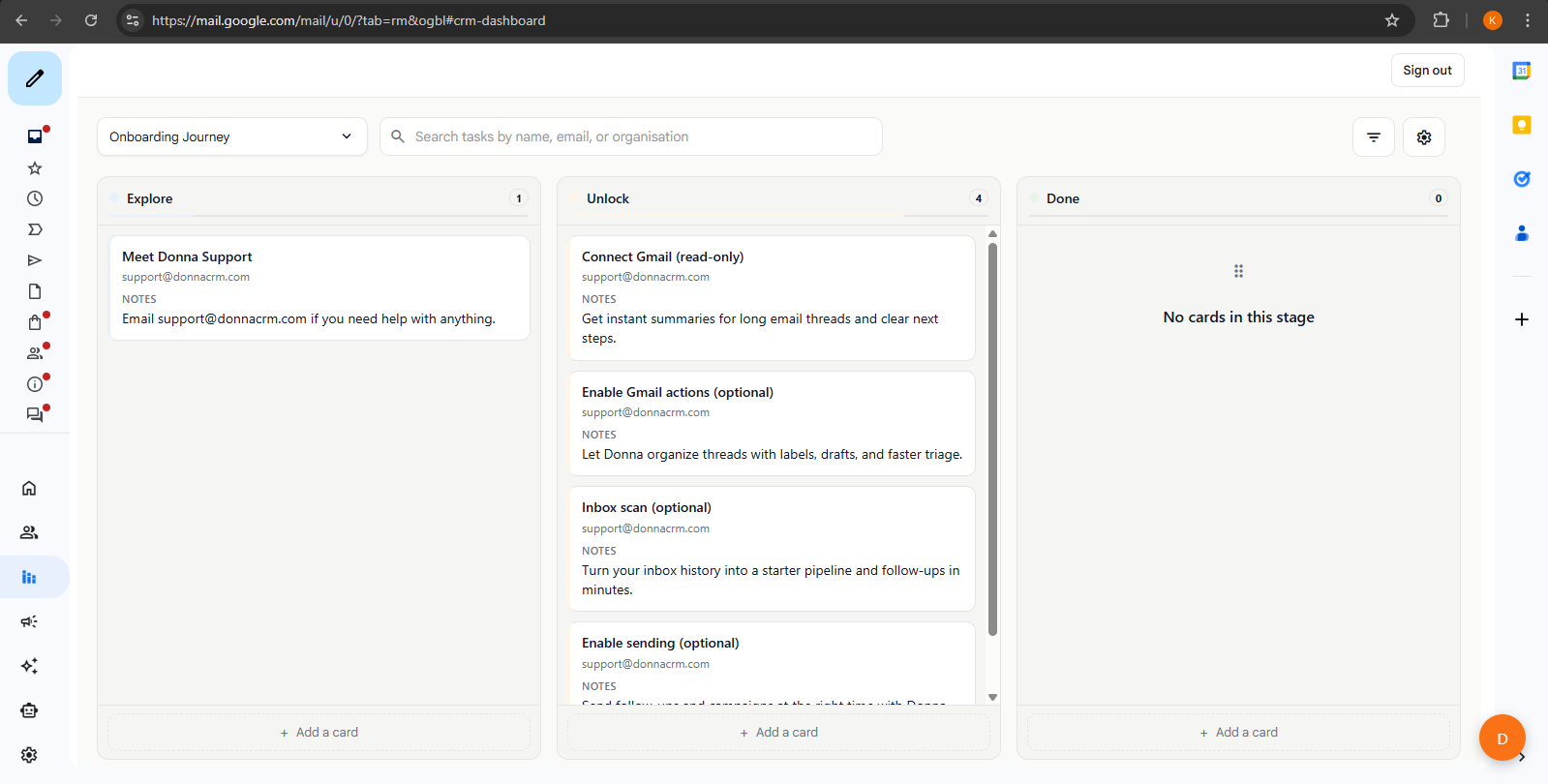
Review your pipeline
See what's moving, what's stalled, and what needs your attention.
AI assistant
Move faster without losing control
Donna's AI helps you move through your inbox faster. You always review and edit before anything sends.
- Get a quick summary before diving into a long thread
- Generate a first draft, then tweak it in your own voice
- Turn conversations into tasks, notes, and deal updates automatically
- Built with privacy in mind - your data is handled the way you'd expect
Ready to try it?
See Donna in your inbox today
Install the Chrome extension, open Gmail, and you're up and running. No configuration, no onboarding calls, no credit card.
Free trial · No credit card · Uninstall anytime