
Integrations
Donna CRM works inside Gmail as a Chrome extension and connects to select Google services to support your workflow.
Gmail (Chrome extension)
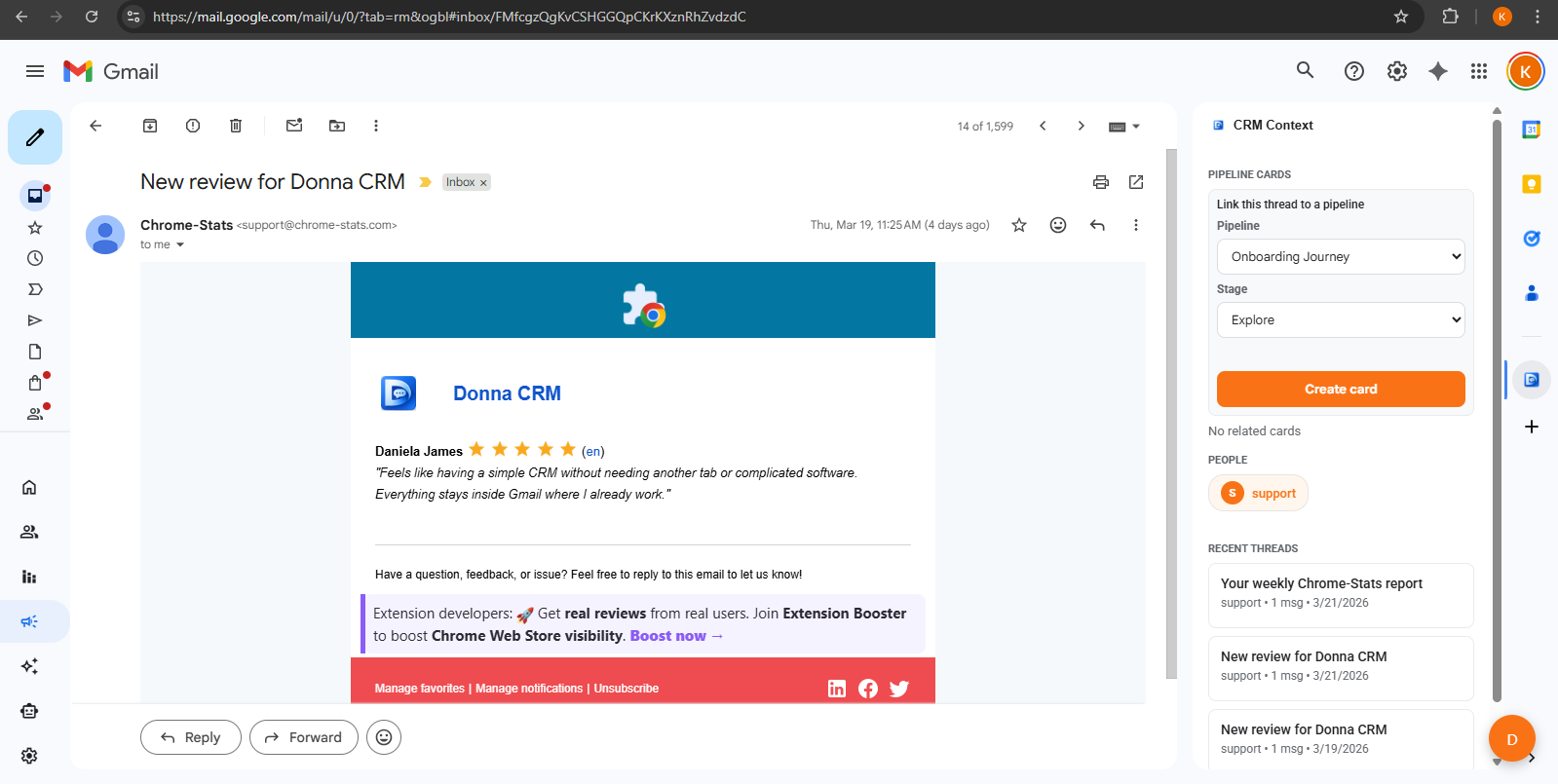
Donna CRM runs in the Gmail UI so you can manage contacts, pipelines, tasks, campaigns, and tracking without switching tabs.
Permissions and why they're used
- Gmail: to show CRM context next to threads and support inbox-native workflows.
- Google Calendar: to schedule meetings (and include Google Meet links) directly from CRM workflows.
- Google Drive: to access files used during imports and related workflows.
- Google Sheets: to import contacts from Google Sheets.
You'll always see the exact permissions requested in Chrome before you grant access.
Tracking notes
- Open tracking is a helpful signal where supported, not a guarantee.
- Click tracking typically applies to tracked links and can vary by workflow and recipient settings.
- Tracking behavior can vary depending on recipient mail clients and settings (for example, image blocking).
AI Assistant
The AI assistant uses language model services to summarize, draft, and help you capture next steps inside Gmail. You stay in control and review before acting.
Learn more on AI Gmail CRM and review data handling in our Privacy Policy.