
Features
Everything Donna can do
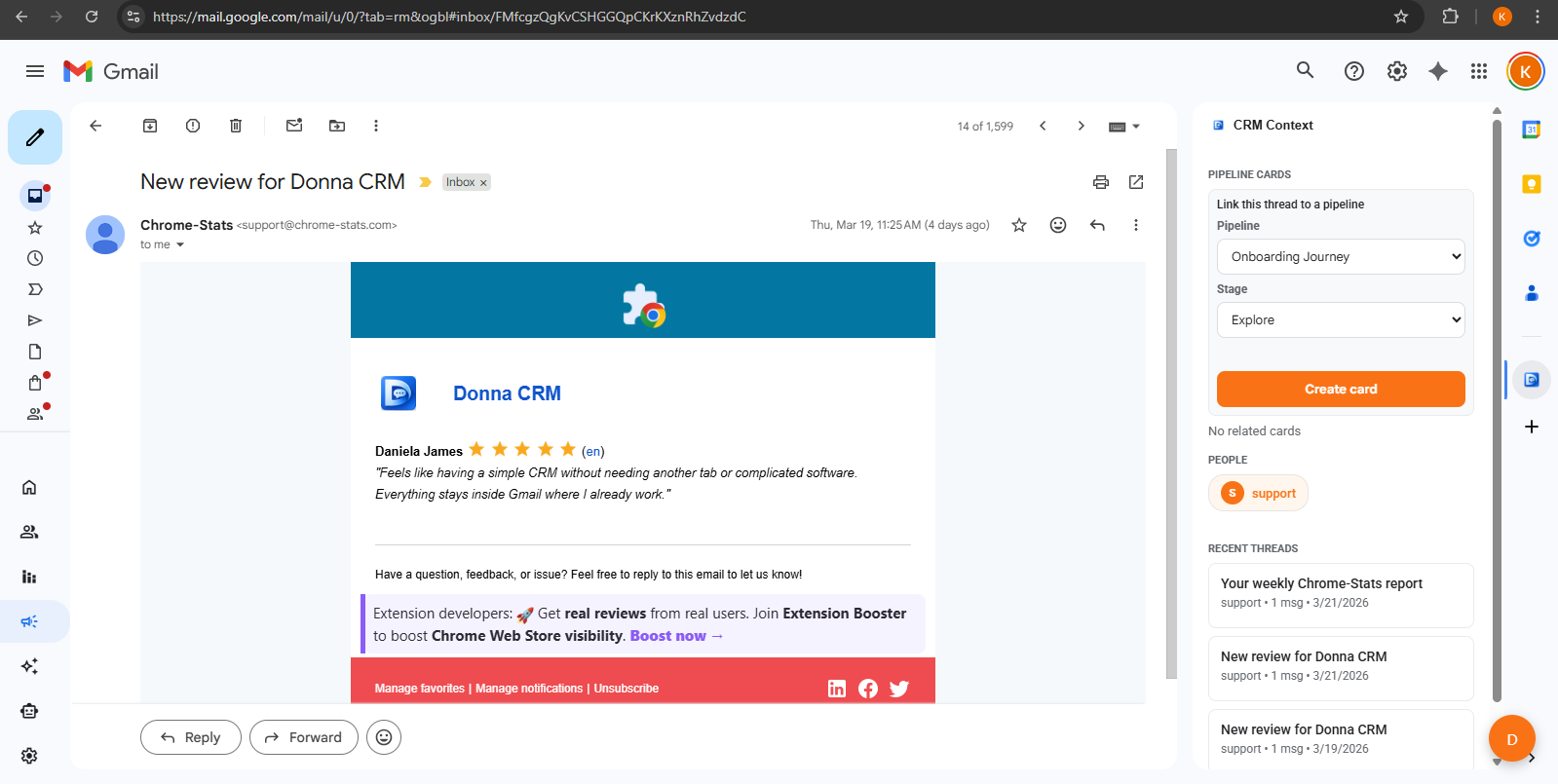
Contacts, pipelines, tasks, campaigns, tracking, and an AI assistant - all inside Gmail, all designed to stay out of your way.
An AI assistant that lives in your sidebar
Ask it to summarize threads, draft replies, or turn conversations into tasks. You review everything before it sends.
- Available inside Gmail while you work - no tab switching
- Drafts replies in your voice, you edit before sending
- Turns conversations into tasks, notes, and deal updates
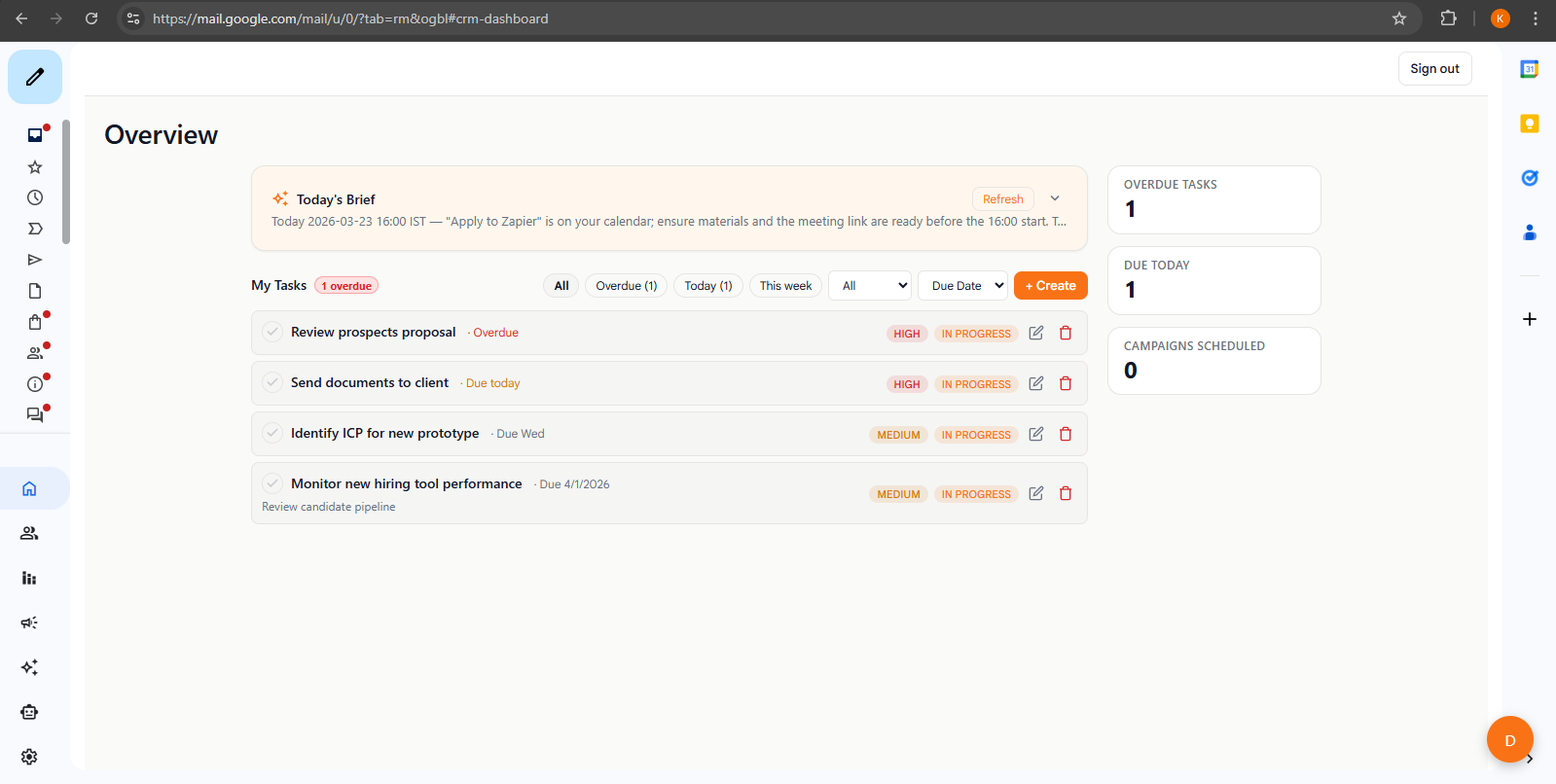
Every relationship, organized and searchable
Build a contact database that actually stays up to date - because it lives where your conversations happen.
- Create profiles with notes, tags, and custom fields
- Search and filter to find anyone instantly
- Import from CSV or Google Sheets to get started fast
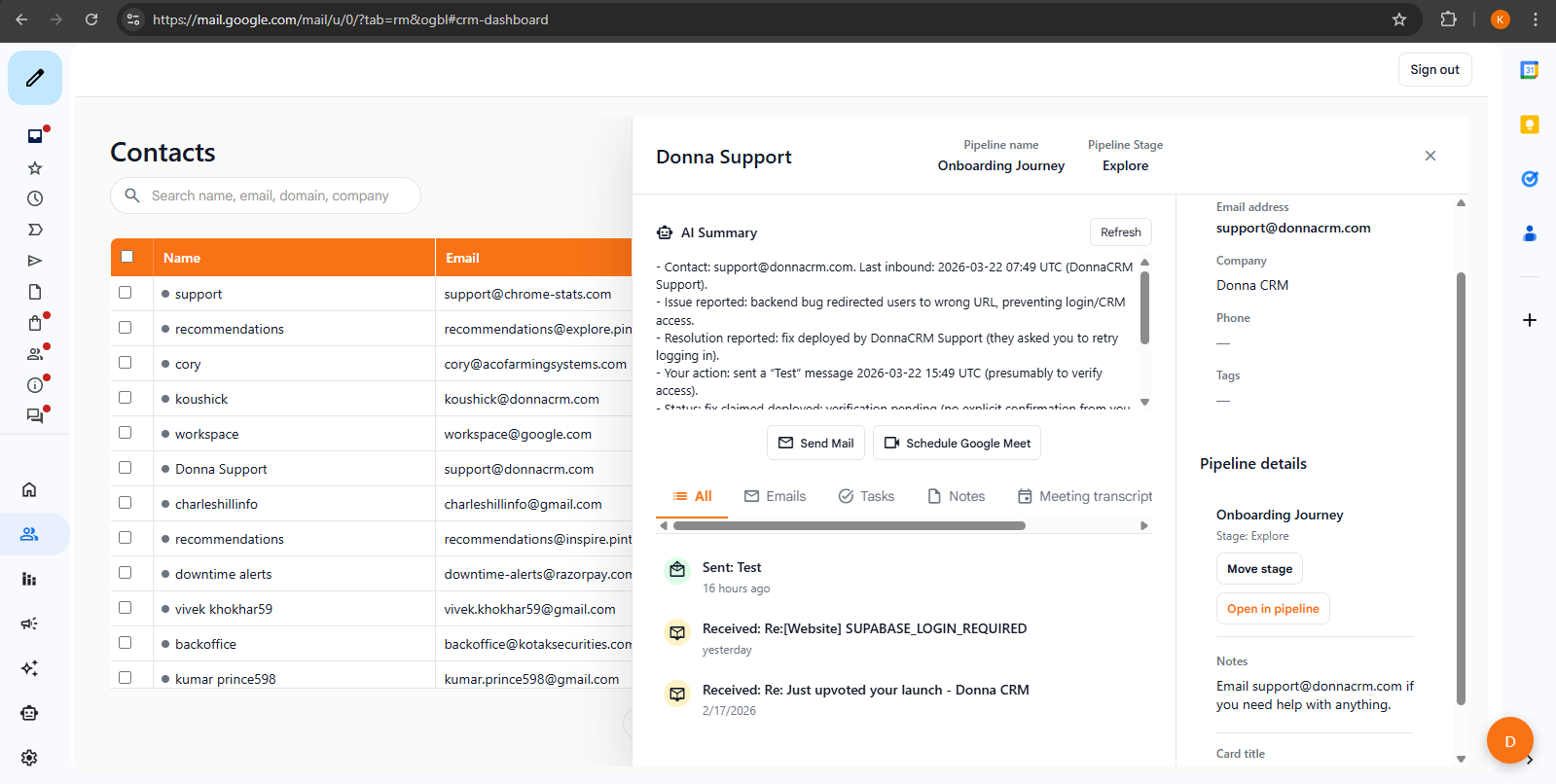
Track deals through every stage
Kanban boards that connect directly to your email threads. Move deals forward without leaving Gmail.
- Drag-and-drop boards for any workflow
- Custom stages that match how you actually sell
- Works for sales, recruiting, partnerships, and more
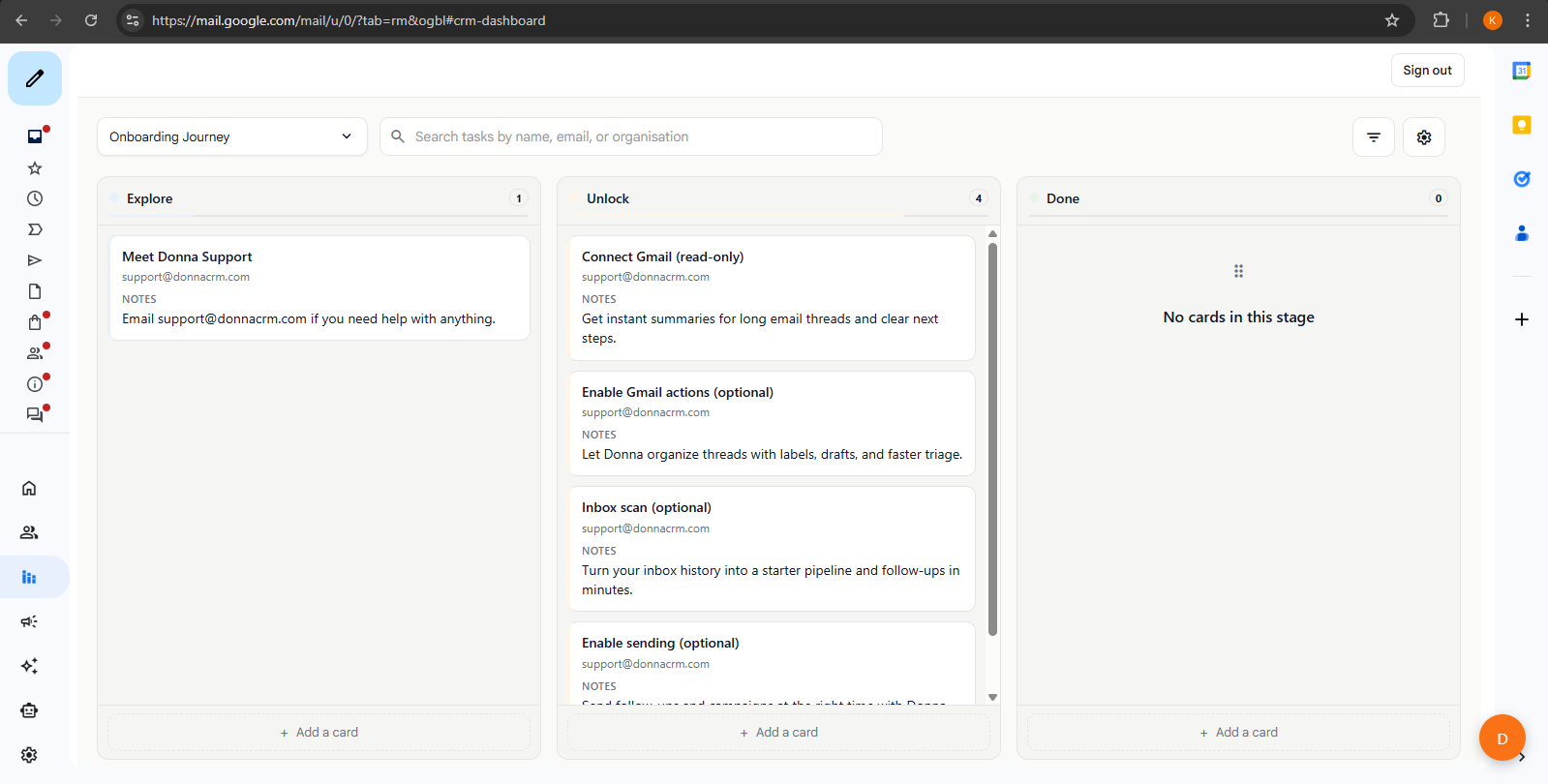
Never drop a follow-up again
Capture next steps the moment they come up - while you're still in the conversation.
- Create tasks linked to contacts and deals
- Set due dates so nothing slips through
- AI can suggest next steps from your threads
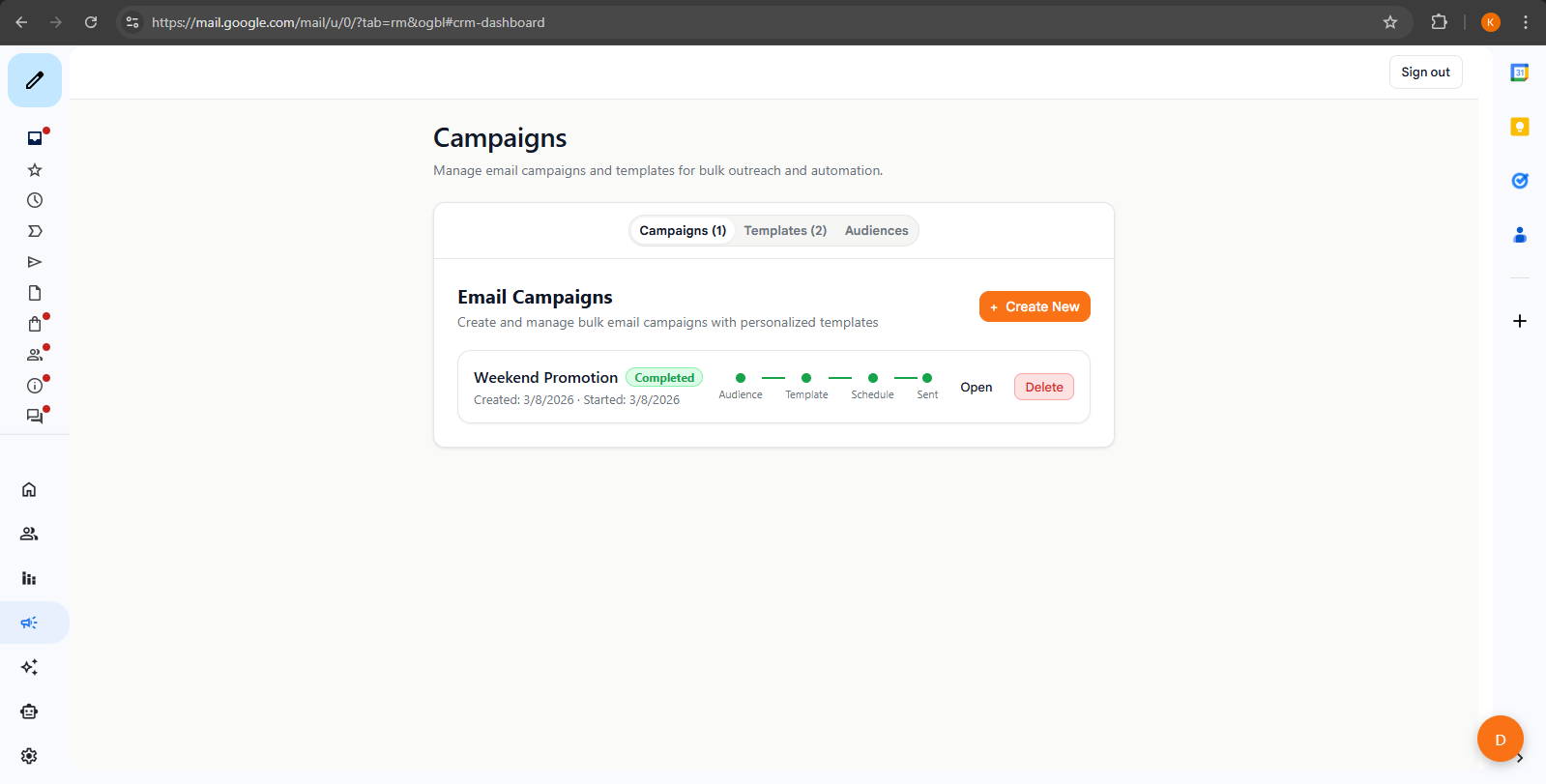
Reach your contacts at scale
Send personalized emails to groups of contacts without leaving Gmail. Templates keep your messaging consistent.
- Build campaigns from your saved contacts
- Reusable templates with merge fields
- Personalize with names, companies, and custom data
Know when to follow up
Open and click tracking gives you signals to prioritize outreach - so you follow up when it matters most.
- See who opened your emails and clicked your links
- Campaign analytics for opens, clicks, and unsubscribes
- Use engagement signals to time your follow-ups
FAQ
Common questions
Does Donna work inside Gmail?
Is the AI assistant required?
Can I import contacts?
How reliable is email tracking?
Where should I start if I am new to Gmail CRMs?
Explore next
Evaluating tools? These pages go deeper on pricing and the Gmail-native workflow.
Ready?
Try every feature free for 14 days
Install the Chrome extension and start using Donna inside Gmail. No setup, no credit card.
Free trial · No credit card · Uninstall anytime