
Inbox onboarding
Set up your CRM from your Gmail inbox
Don't start from blank fields. Start from real conversations. Inbox onboarding turns your existing threads into a lightweight CRM setup in about five minutes.
Lightweight setup - Human-in-the-loop - You stay in control
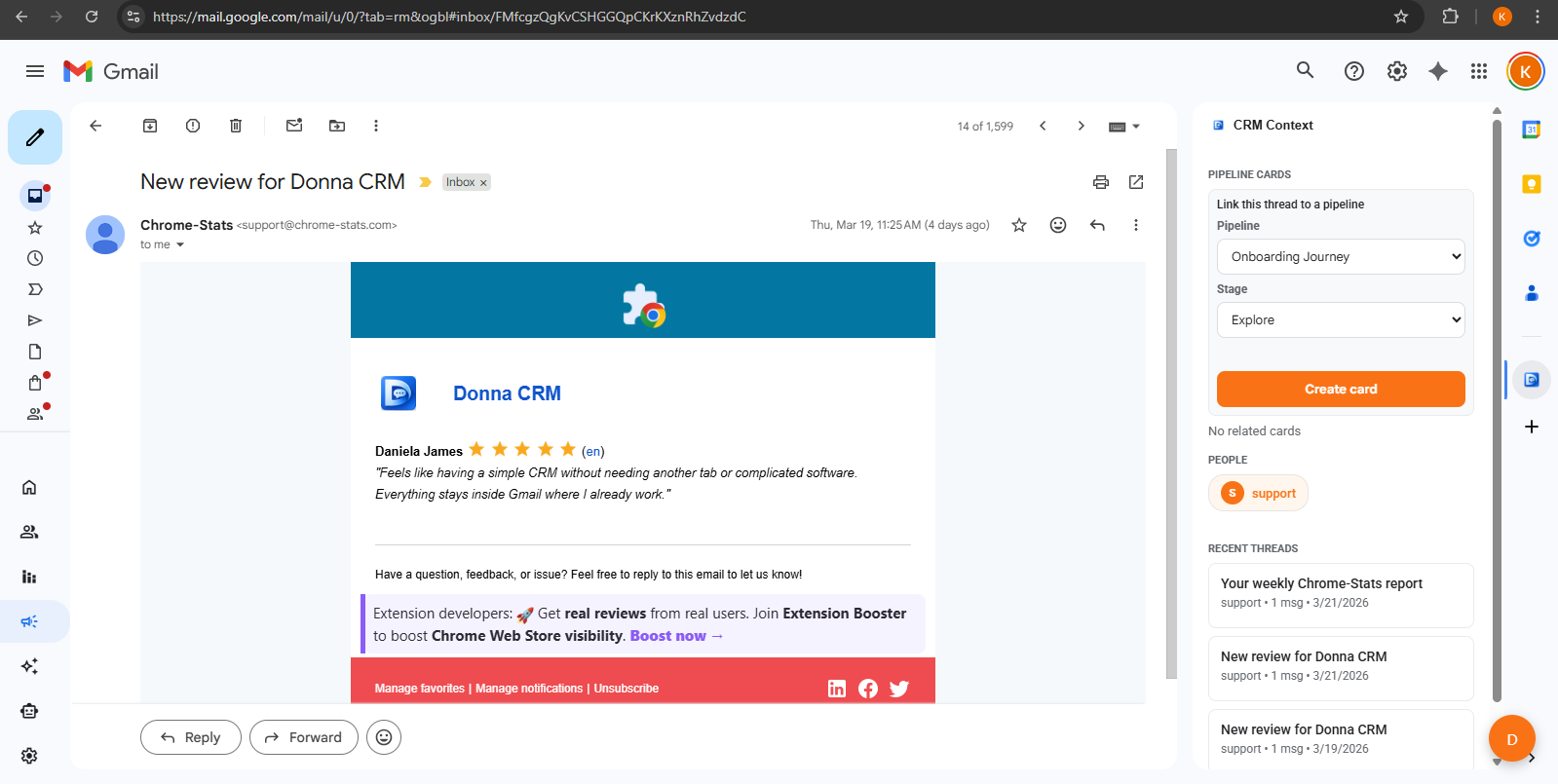
How it works
Start with what you already do
Most solo operators already have a system - it's just scattered across threads, calendar reminders, and notes. Inbox onboarding helps you turn that into a simple, repeatable workflow inside Gmail.
If you are new here, start with the Gmail CRM overview first: Gmail CRM overview.
A sensible first setup (about 5 minutes)
- The assistant scans recent threads to understand your workflow
- It recommends a lightweight pipeline and stages you will remember
- It proposes initial contacts and context based on what you select
- It suggests follow-up tasks and drafts; you confirm what gets created
What gets set up
What onboarding can set up (with confirmation)
The assistant recommends a lightweight structure based on real threads. You choose what to apply - nothing is created without your review.
Pipelines + stages
Start with a simple pipeline you'll actually maintain (and remember).
Contacts + context
Turn important threads into contacts with lightweight notes and tags.
Next-step tasks
Capture follow-ups as tasks so the "next step" doesn't disappear.
Permissions and privacy
Inbox workflows can touch sensitive information. Treat AI like a drafting and organization tool, and review suggestions before you take action - especially anything client-facing. See the Privacy Policy for details.
Next guides to read
If you are building a Gmail-first system, these guides help you keep it lightweight and consistent.
Getting started
Personal CRM inside Gmail: set it up in 15 minutes
A fast setup guide for a personal Gmail CRM: install, create a simple pipeline, capture next steps from real threads, and build a weekly review habit.
6 min read
Read guide
Gmail CRM workflows
Inbox to pipeline: turn conversations into next steps
Turn email threads into a lightweight pipeline: keep context in Gmail, capture next steps as tasks, and review work without spreadsheets.
8 min read
Read guide
Gmail CRM workflows
How to keep your CRM updated without manual data entry
A practical system for keeping CRM data fresh: capture updates in context, keep stages lightweight, and reduce repetitive admin work.
9 min read
Read guide
FAQ
FAQs
What is "inbox onboarding"?
What does it do (and not do)?
Do I need to connect anything besides Gmail?
Is this safe for sensitive inboxes?
Where can I read about data and privacy?
Keep exploring
Learn more about how Donna works, or dive into a specific workflow.
Ready to try it?