
CRM for Freelancers
CRM for freelancers inside Gmail
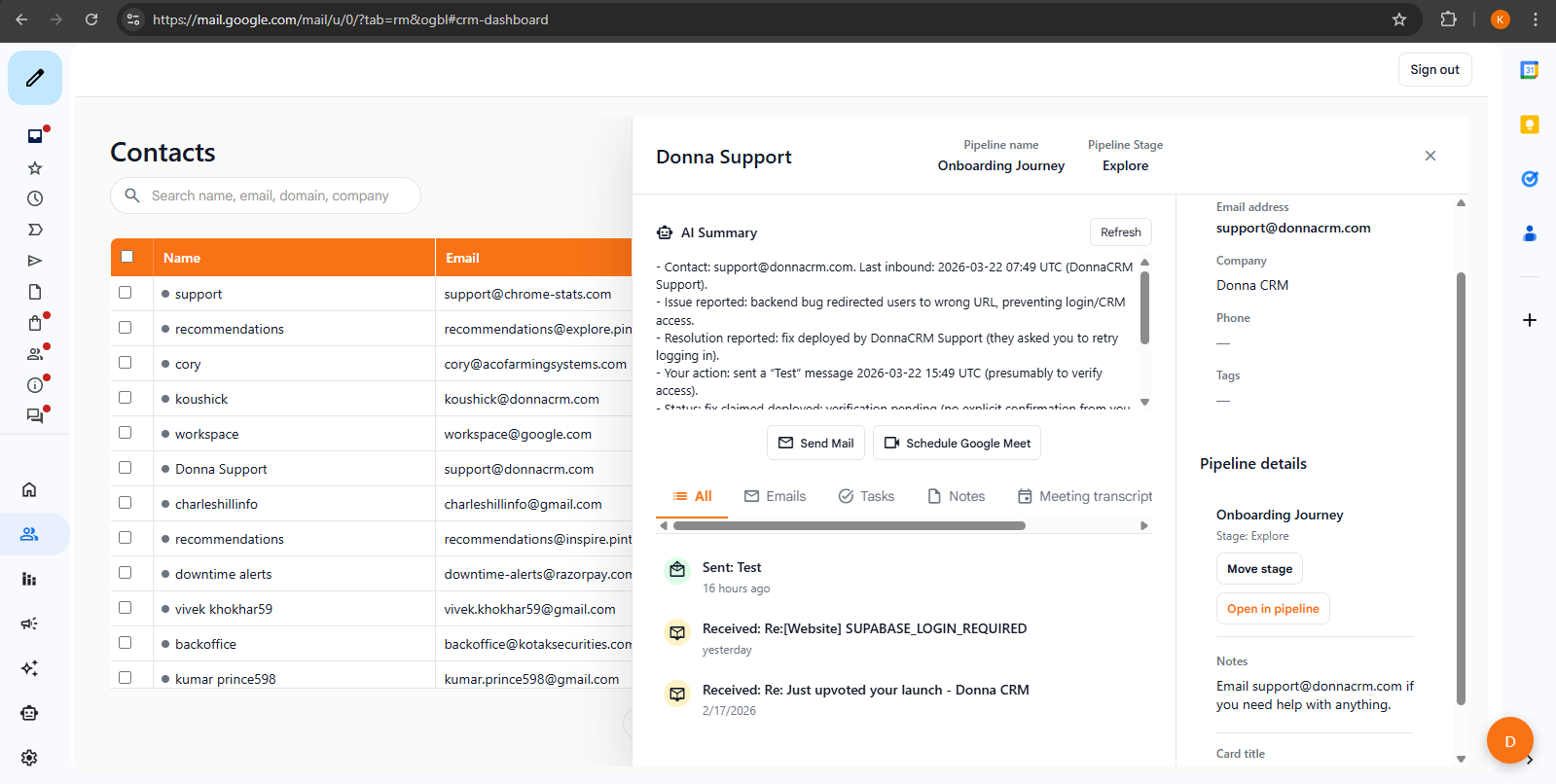
A lightweight client tracker that lives in Gmail. Track leads, quotes, and follow-ups without adopting a "team CRM".
Free trial · No credit card · Uninstall anytime
The problem
Track work without a "team CRM"
Freelancers don't need complex admin. You need a consistent place to track who you're talking to, what you promised, and when to follow up.
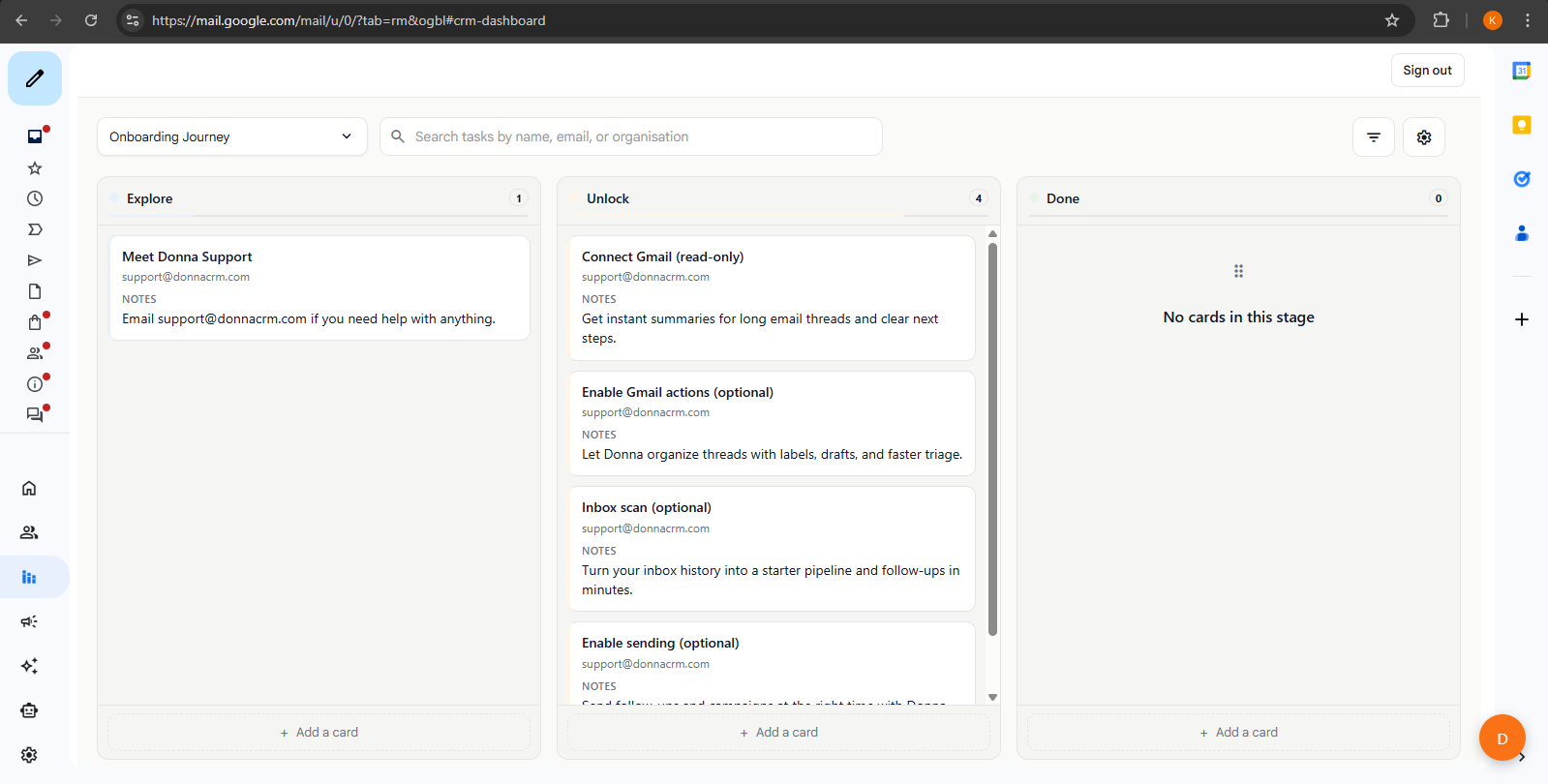
A simple gig pipeline
Lead - Quote - In progress - Paid
When in doubt, keep fewer stages to focus on capturing next steps.
Follow-up habits
Templates and follow-up habits
Most freelance deals are won on follow-up. Use Donna's lightweight workflow to stay consistent: draft the follow-up, capture the next step, and keep proposal context tied to the client.
The 48-hour nudge
Send a short follow-up after a quote or proposal. Update the client record with the latest status and set the next reminder.
The value add
Follow up with a helpful link, a small idea, or a quick clarification. Keep the thread context attached so you can pick up later.
Close the loop
If it is a no, capture why and move on. If it is a yes, add the next steps as tasks so delivery does not slip.
Sending proposals from Gmail? Use tracking signals responsibly and treat opens/clicks as hints-not truth. See email tracking in Gmail.
Learn how the assistant can help with drafts and prioritization in AI Gmail CRM.
FAQ
FAQs
Is this a freelancer client tracker or a full CRM?
What pipeline stages work for freelance gigs?
Can I track proposals and follow-ups?
Does Donna replace invoicing tools?
Related pages
Helpful if you're comparing tools or want more detail on a specific workflow.
Keep exploring
Learn more about how Donna works, or dive into a specific workflow.
Ready to try it?